Openers · Keneden Park
Smart Garage Controller Setup in Keneden Park
Your daughter gets home from school an hour before anyone else.
In plain words
Everything about this service starts with the label on your opener. Brand, model number and year of manufacture decide whether a hub can be wired to the same terminals your wall button uses, whether it must instead pair by radio the way a new remote does, or whether the opener already has connectivity waiting to be activated. On many openers the colour of the learn button is the shortcut to that answer, because it marks the generation of radio coding the unit speaks. The technician reads all of this before choosing hardware, so the controller that goes up is one the maker lists as supported for that exact opener.
How the visit goesA smart hub arrived in the mail with a coin-cell sensor and two wires. The instructions ask what colour your learn button is and how old the opener is. Yours is over a decade old and the button colour is not on their chart.
Smart Garage Controller Setup
How the visit goes
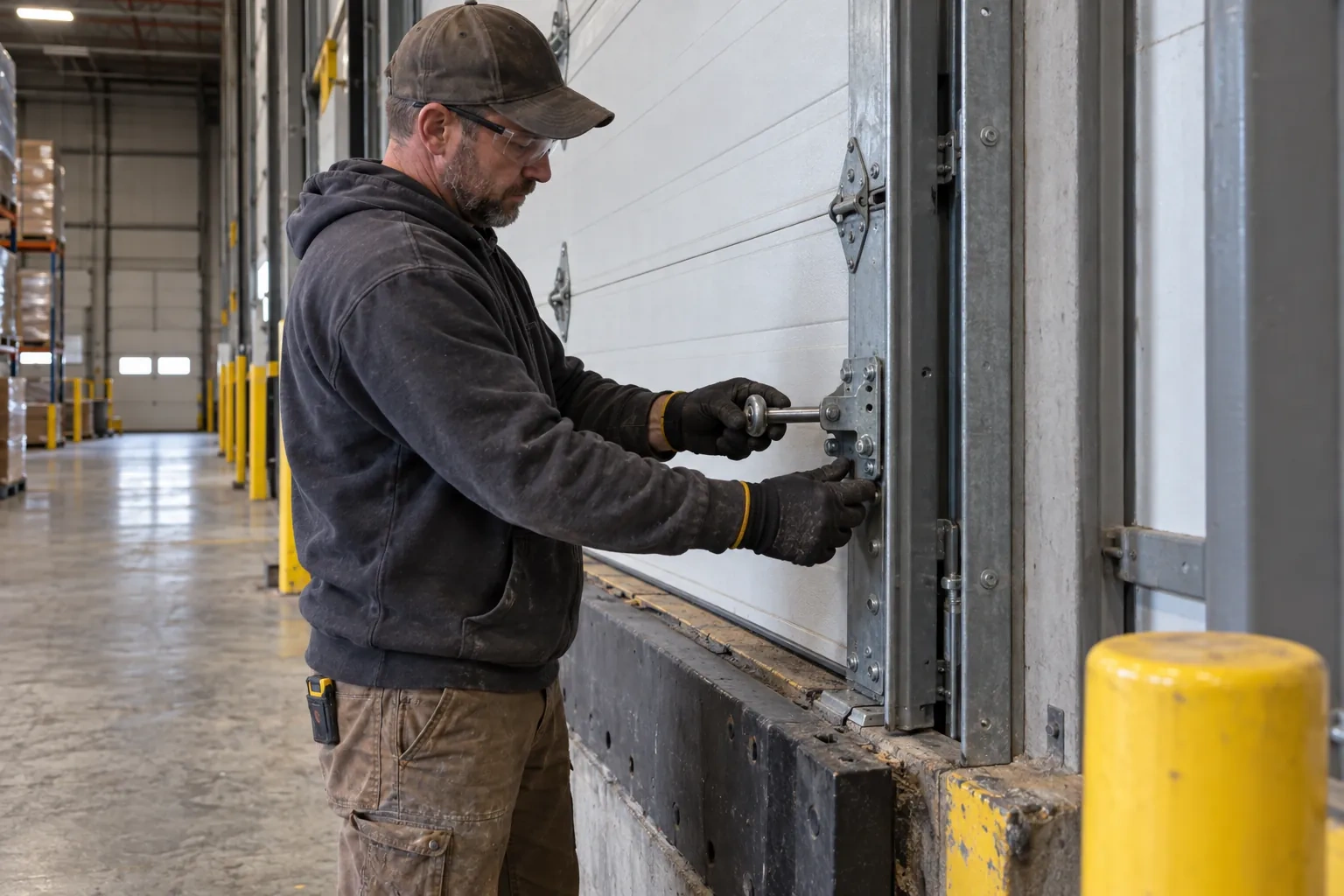
Reading the label on the opener
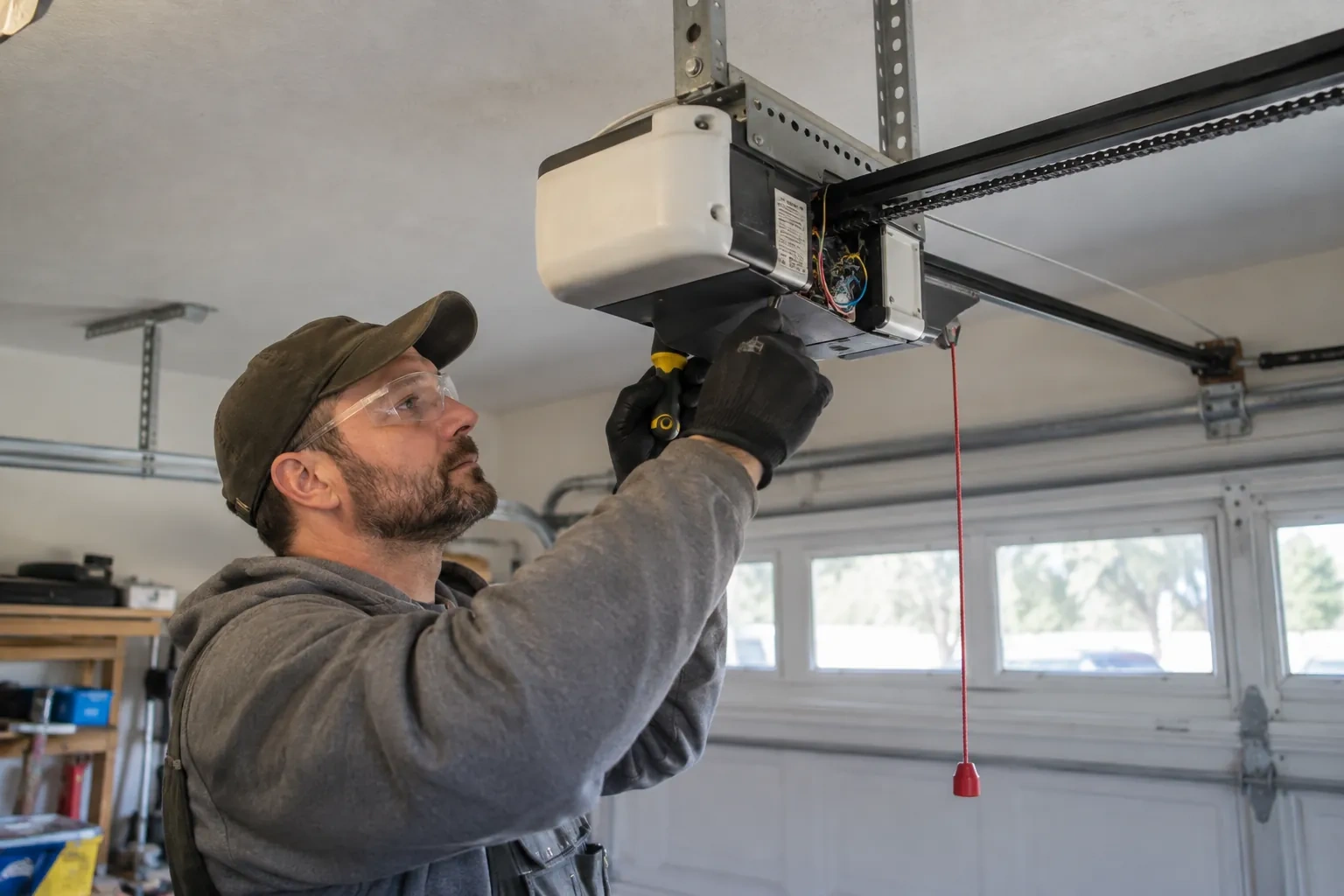
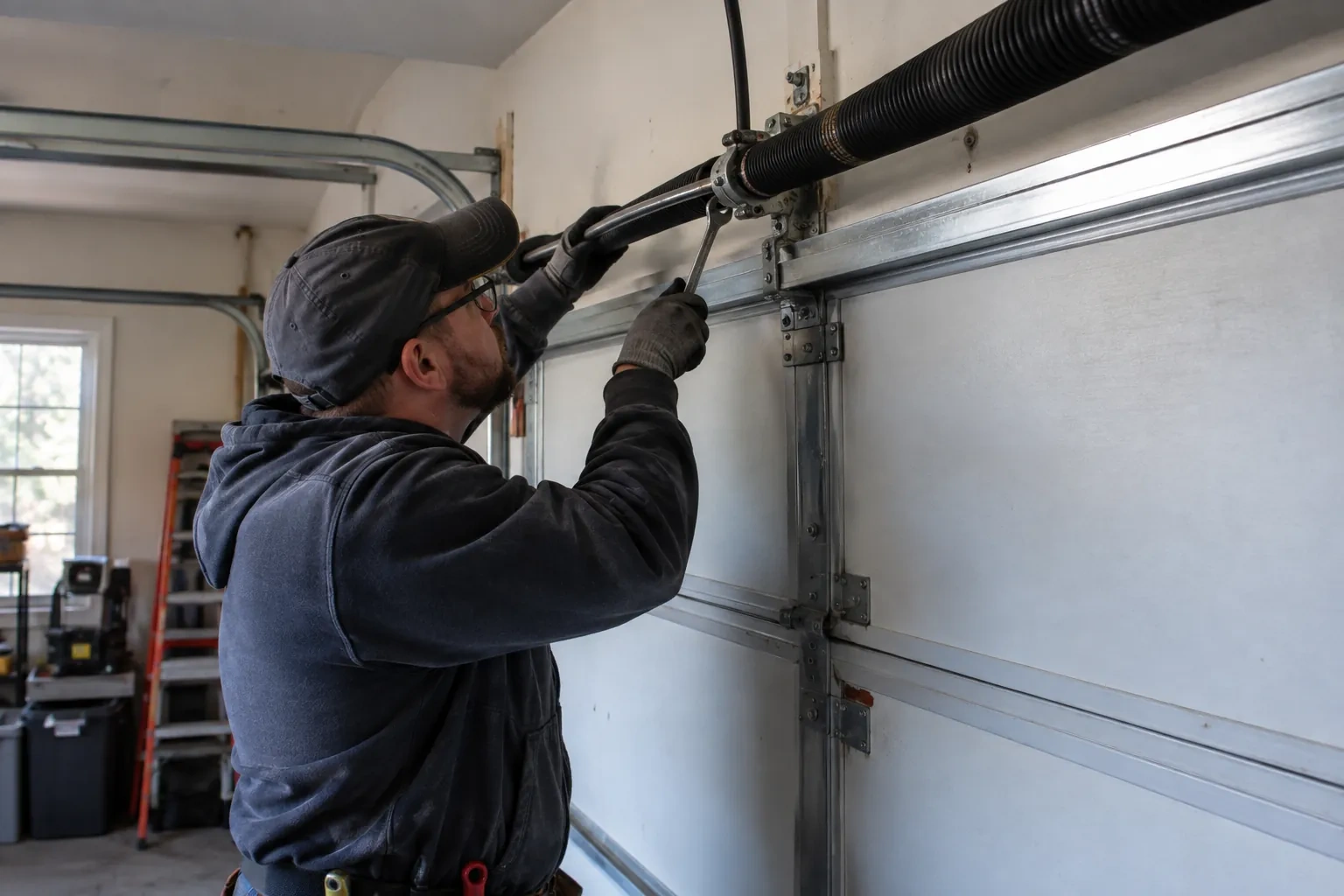
The first thing checked is the small label on the head unit, because everything else depends on it. Brand, model number and date of manufacture tell the technician which family the opener belongs to and which controllers list it as supported. The learn button, usually under the light cover, is checked for colour, since on many makes it marks the radio-coding generation and decides whether a hub can be wired to the wall-control terminals or must pair by radio. The wall console is looked at too: a console with a digital display often means an encrypted connection that needs a different hookup. A photo of the label sent ahead lets this step happen before the van leaves.
The account, in the owner's hands
Account creation happens on the owner's own phone. The technician opens the right screen and explains each choice, and the owner types the email, chooses a password and sets the recovery method and, where offered, two-step verification. The technician does not see, record or photograph any of it. The door is given a name that will make sense in a notification, the home address is entered if the app uses location for reminders, and the time zone is confirmed so schedules and history line up with the clock on the wall. If the app asks for permissions on the phone, only the ones the features actually need are granted.
The monthly tests still matter
Adding a controller changes nothing about the physical checks the door needs, and adds one. Each month, lay a 2x4 flat under the door centre and close it; it must reverse on contact. Break the photo-eye beam with a broom handle while closing; it must stop and rise. Then close the door from the app out of sight, and listen for the beeper and watch for the light before movement. If any of the three fails, stop using the opener, move the door by hand only if it must move, and have a technician correct it before the opener is used again. These tests take a couple of minutes and are why remote closing can be trusted.
Smart Garage Controller Setup
In the van
Dry-contact adapter for encrypted openers
Lithium coin cell or cylindrical cells
Wi-Fi access point or extender
Retrofit smart hub
Plug-in power adapter
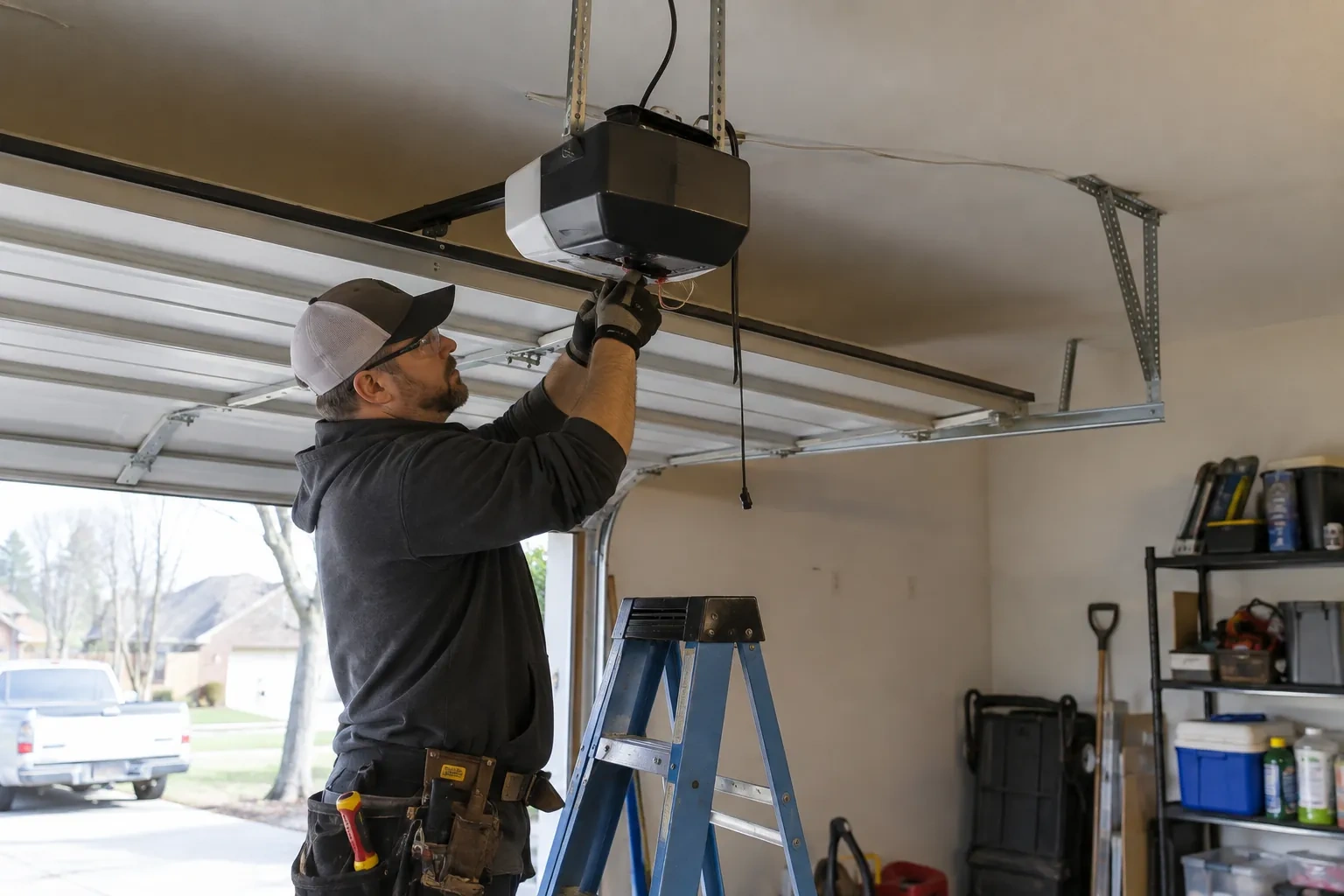
Smart Garage Controller Setup
What affects the quote
Power for the hub
The hub plugs into the opener's ceiling receptacle. If there is no spare socket, an approved splitter or a receptacle added by an electrical contractor becomes part of the plan.
The opener's generation
Some openers accept a two-wire connection at the wall-control terminals; others use encrypted consoles and need radio pairing or a small adapter between hub and opener. The learn button and label decide which.
Ceiling height and access
A standard garage puts the head unit and the top door panel in easy ladder reach. High ceilings, storage lofts or a car that cannot move add setup time.
What to have ready
- Does your wall console have a digital display or just a button?
- What colour is the learn button under the opener's light cover?
- Is there a wireless or network symbol printed on the head unit?
Smart Garage Controller Setup: questions
QuestionsWhat kind of Wi-Fi does it need?
A normal home network with a modern security type and a usable signal at the garage ceiling. Most hubs connect on the 2.4 GHz band, which travels farther through walls than 5 GHz, so a router that broadcasts both is fine as long as the 2.4 GHz network is switched on and can be selected. The technician measures the signal where the hub will sit before mounting anything.
Can I see who opened the door and when?
Yes. The app keeps a history of every open and close with the time and, where a user was signed in, the name. Opens from a remote or the wall button are logged as well, though without a name attached. Many people find this the feature they use most: confirming that a teenager arrived, that a delivery went in, or that the door really did close at bedtime.
Can I give a contractor or cleaner access for a day?
Most apps allow guest or scheduled access: a user invited for a set window, or a one-time code, that expires on its own. That is a better arrangement than lending a remote or sharing the family keypad code, because there is nothing to chase back afterwards and the history shows exactly when the door was used. The technician shows you how to create and revoke such access during the visit.