Openers · Manilla
Garage Door Remote and Keypad Programming in Manilla
You bought a new remote at the hardware store, followed the little leaflet twice, and the opener light never blinked.
In plain words
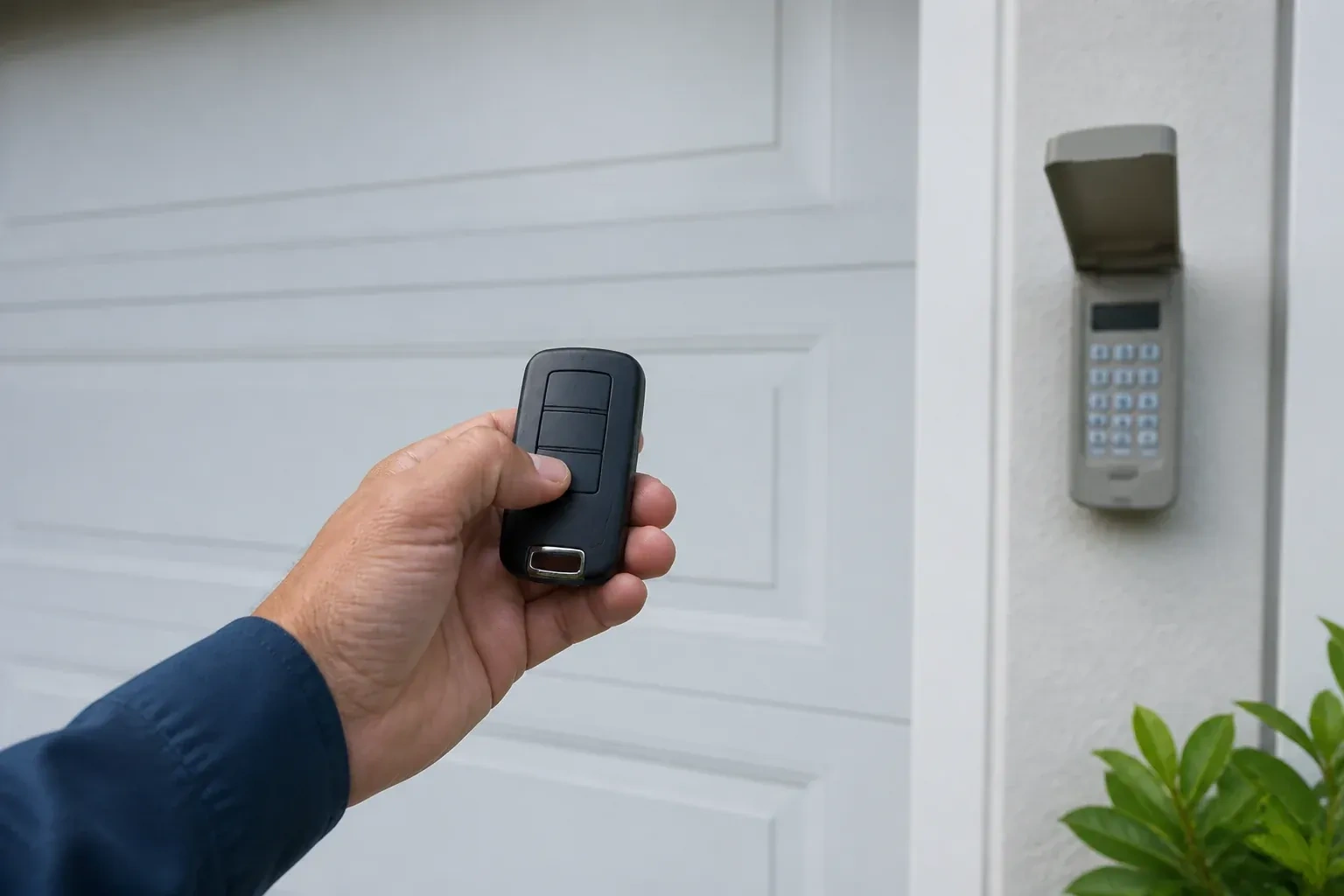
An outdoor wireless keypad lets the household in without a remote, and programming it properly is more than typing a code. The technician pairs it to the opener, sets a personal code you choose, and on many models adds temporary codes that expire after a set number of hours or openings, handy for a cleaner or a delivery. The keypad is programmed before it is screwed to the wall, fitted with fresh batteries suited to a cold climate, and mounted where a child cannot reach it and the door is in view. Codes stay private; they are not written on the paperwork.
How the visit goesYour remote was in the visor when the car was broken into last night. So was the insurance slip with your address on it. The door still answers that remote, wherever it is now, and you would very much like it not to.
Garage Door Remote and Keypad Programming
How the visit goes
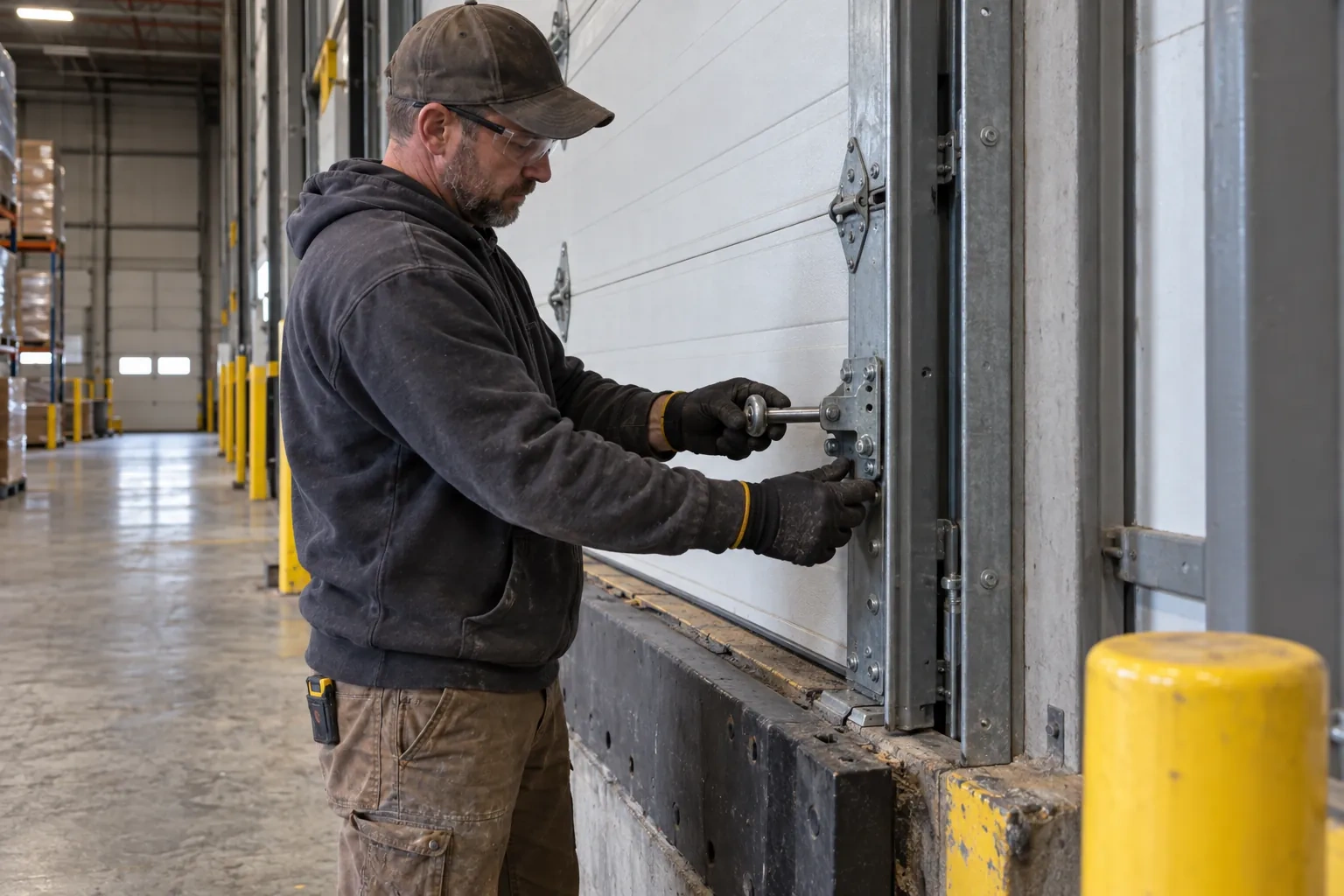
Batteries and contacts before anything else
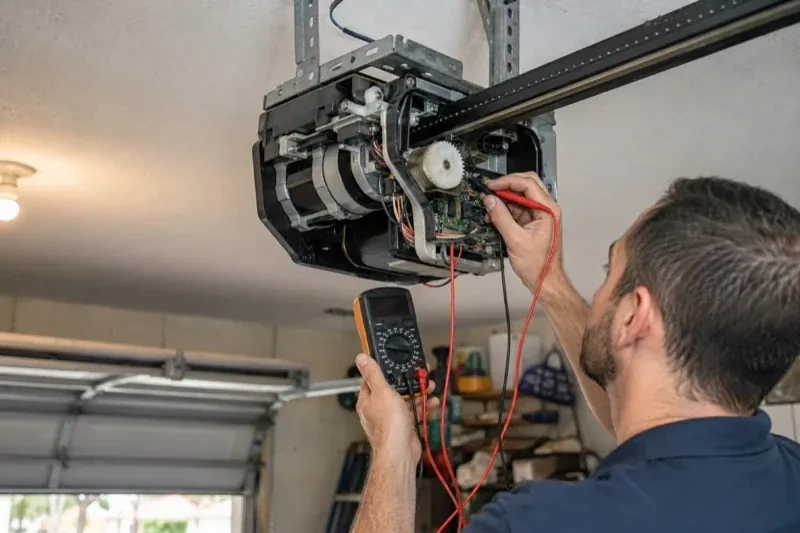
A surprising share of dead remotes are simply hungry. The technician opens each remote and keypad, reads the cell type printed inside, and checks voltage and contacts. Coin cells lose strength gradually, so a remote that works only up close is often on its last legs rather than out of range. Outdoor keypads run on small cells that sag in the cold and on contacts that salt spray and condensation corrode over a few winters. Fresh cells of the specified type and a cleaned contact are fitted before any programming attempt, because a weak transmitter can fail to pair even when everything else is right.
Adding a remote to the memory
With a compatible remote in hand and the opener confirmed ready, pairing is a short exchange. The technician presses and releases the head unit's learn button, which opens a programming window of roughly half a minute, then presses the chosen remote button until the opener light blinks or the unit gives a click. That button now opens the door. A second button can be tied to a second door or a gate the same way. Each remote is tested from the driveway and from beside the door, and the process is repeated for every device on the list so nobody is left with a control that half works.
Every control tested in your hand
Before the technician leaves you operate each device yourself: the remote from each car, the keypad with your new code, the vehicle button from the driver's seat, the wall control. You see the door open fully and close to a gentle seal from each one. If a remote has two or three buttons, you know which door or gate each drives, and a small label says so. You also watch the reversal tests performed, so you know the door backs off an obstruction and stops for the sensor beam. Nothing is left as something to try later on your own.
Garage Door Remote and Keypad Programming
In the van
Replacement remote (one, two or three buttons)
Multi-door keypad
Wireless outdoor keypad
Keypad mounting screws and anchors
Universal multi-generation remote
Garage Door Remote and Keypad Programming
What affects the quote
Range and interference work
Swapping bulbs, freeing the antenna and re-testing range from the street is a small addition when remotes work only up close.
Compatibility of the accessory
A remote matched to the opener's generation is programmed as it is. One of the wrong generation is swapped for a compatible or universal model, and that device is a separate line.
Batteries supplied
Coin cells for remotes and the small cells in keypads are counted per device when the technician supplies them, and noted so you know what to buy next time.
What to have ready
- Which controls fail: one remote, all remotes, the keypad, or the car buttons?
- What colour is the small learn or program button under the opener's light cover?
- Roughly how old is the opener, and can you read its model label?
Garage Door Remote and Keypad Programming: questions
QuestionsDoes programming a new remote erase the old ones?
No. A short press of the learn button adds a control to the memory alongside the others. Erasing them takes that model's own sequence, a longer hold on many openers and a different button combination on others. Pressing into the erase sequence by accident is what occasionally leaves a household finding every remote dead after trying to add one. The fix is to reprogram each device.
We just moved in. Should the opener's memory be cleared?
Yes, it is sensible. The previous owners may have handed over two remotes while a third sits in a relative's car, and the keypad code may be known to their cleaner. Clearing the memory forgets every stored remote and keypad code, then your own remotes, a new keypad code and your vehicle buttons are programmed back; a connected app or account from the previous owner is removed separately, since clearing the memory alone does not always take it with it.
How is the keypad code chosen and can I change it later?
You choose it at programming time: four digits on many keypads, three to eight on others. Avoid the house number, a birth year or a repeated digit. The code is entered into the keypad, confirmed at the opener, and kept off the paperwork. Changing it later follows the instructions for your model and takes a couple of minutes, and the technician can show you the sequence before leaving.